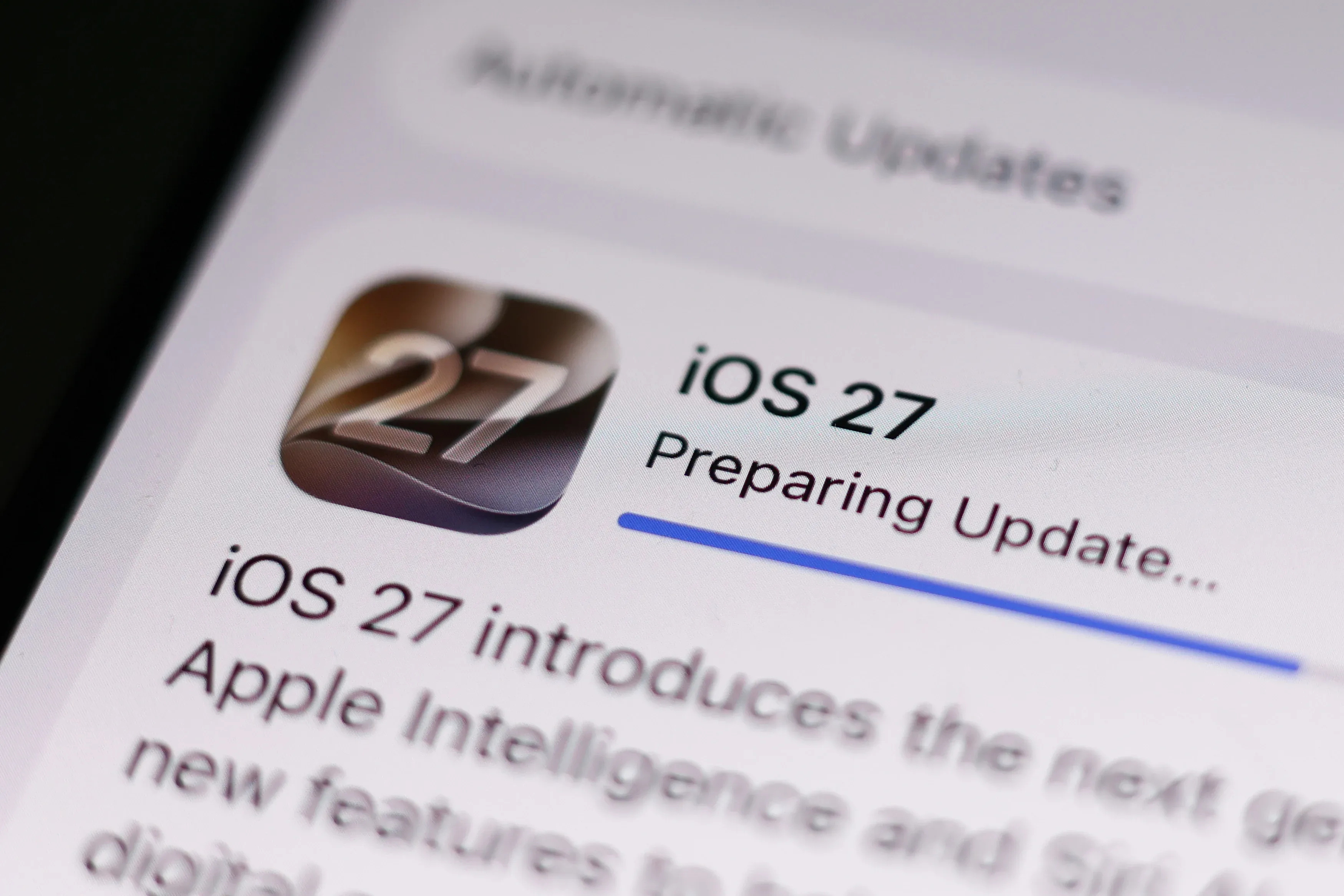
iOS 27.3 beta: New features and major updates explained
Apple has officially released the iOS 27.3 beta, bringing a significant wave of updates that surpass previous developer expectations. This latest iteration focuses heavily on integrating Apple Intelligence across core applications, specifically through a redesigned Health app and enhanced Siri AI capabilities. Key highlights include the introduction of Vertical Tabs in Safari, Adaptive Dark Mode for web browsing, and a reimagined StandBy mode. This article provides a detailed breakdown of the functional changes, ranging from improved productivity tools in Safari to advanced predictive health insights and expanded Siri AI app actions.
November 8, 2026
6 min read
Source: ASHENVOW
How does the redesigned Health app integrate Apple Intelligence?
The Health app returns in the iOS 27.3 beta with a complete redesign centered on the integration of Apple Intelligence. While a previous version of this redesign was briefly removed from earlier developer betas, Apple has now fully reintegrated the updated interface to provide a more intuitive user experience. The primary goal of this overhaul is to make specific health categories more accessible through a streamlined UI.
Beyond visual changes, the app now utilizes machine learning to offer predictive insights into long-term health trends. By analyzing user activity and sleep patterns, the system can forecast potential shifts in wellness. This intelligence is manifested through new specialized metrics, including Health Age and movement assessments, which allow users to understand their physiological state through a more data-driven lens.
What are the new browsing capabilities in Safari?
Safari receives two major functional updates in the iOS 27.3 beta: Vertical Tabs and Adaptive Dark Mode. These changes aim to modernize the browsing experience and improve readability across different web environments.
Implementing Vertical Tabs in Safari
Vertical Tabs represent a fundamental shift in how users manage multiple open websites. Instead of the traditional horizontal bar located at the top of the application, open tabs are now listed in a menu on the left-hand side of the screen. This design choice provides more vertical space for content and is particularly useful for users managing numerous active sessions. Users can customize this view in two ways: displaying tabs as simple icons to maximize screen real estate, or showing the full page title for easier identification. To enable this feature, users must navigate to the Settings app, select Safari under the Apps section, and toggle the Vertical Tabs option.
Adaptive Dark Mode functionality
To complement the new layout, Apple has introduced Adaptive Dark Mode. This feature addresses a long-standing limitation in mobile browsing where many websites do not natively support dark themes. With Adaptive Dark Mode, Safari automatically applies a dark interface to pages that lack native support, ensuring a consistent visual experience and reducing eye strain during low-light usage.
How is Siri AI being enhanced with app actions?
Siri AI is undergoing a significant upgrade in its ability to interact with the iPhone's native ecosystem. The latest beta introduces "supercharged" app actions, allowing the voice assistant to execute complex, multi-step tasks that were previously unavailable or required manual intervention. This move shifts Siri from a simple query tool to a proactive digital assistant capable of managing workflows.
The new Siri AI app actions are compatible with a wide array of first-party applications. Users can now issue commands to perform tasks such as organizing files within the Files app, scheduling messages to contacts, or creating personalized, curated playlists in Music. The scope of integration includes:
- Productivity: Calendar, Mail, Notes, Reminders, and Files.
- Media and Creativity: Music, Photos, and Journal.
- Navigation and Utility: Maps, Weather, Safari, and Shortcuts.
- System Management: Finder, Messages, and Preview.
Furthermore, the linguistic reach of Siri AI has expanded in this release. The beta includes support for several new languages, specifically Traditional Chinese, Vietnamese, Turkish, and Norwegian, making these advanced AI capabilities accessible to a broader global audience.
What changes have been made to StandBy mode?
Apple has reimagined the StandBy mode in the iOS 27.3 beta, focusing on customization and functional variety. This mode, which turns the iPhone into a smart display when charging and positioned horizontally, now offers more granular control over its appearance and content.
The update includes refreshed Analog and Digital Clock faces, which now come with additional customization options to suit user preferences. Additionally, Apple has introduced dedicated StandBy faces for Calendar and Weather information. For users who enjoy visual variety, the Photos face now allows for the selection of Shared Albums, and users can easily swipe between multiple versions of each face to change the displayed information quickly.
While many of these features were initially seen on the iPhone Duo, Apple is now rolling these enhanced StandBy capabilities out to other iPhone models. This ensures a consistent high-end experience across the broader iPhone hardware lineup.
Are there other notable updates in the iOS 27.3 beta?
Beyond the major architectural changes to Health, Safari, and Siri, the iOS 27.3 beta includes several targeted improvements for fitness and hardware usability. These updates cater to specific user segments, such as fitness enthusiasts and users of specialized hardware.
In the realm of fitness, Apple Fitness+ has been updated to include new Gym Strength workouts, expanding the variety of training programs available to subscribers. For users of the iPhone Duo, a new Reachability option has been implemented. This feature allows users to swap the left and right sides of the screen, specifically designed to resolve ergonomic issues encountered when operating the device with one hand.
FAQ: iOS 27.3 beta
How do I enable Vertical Tabs in Safari?
To activate Vertical Tabs, open the Settings app on your iPhone. Scroll down to the Apps section and tap on Safari. Within the Safari settings menu, you will find the option for Vertical Tabs, which you can then toggle to enable the left-hand menu layout.
What is the purpose of Adaptive Dark Mode?
Adaptive Dark Mode is designed to automatically apply a dark theme to websites that do not natively support it. This ensures that your browsing experience remains consistent and comfortable, especially in dark environments, regardless of whether the specific website has been optimized for dark mode.
Which apps can Siri AI interact with in the new update?
Siri AI can now perform complex actions across a wide range of Apple apps. This includes Calendar, Files, Finder, Journal, Mail, Maps, Messages, Music, Notes, Photos, Preview, Reminders, Safari, Shortcuts, and Weather, allowing for more advanced task automation through voice commands.
What new health features are included in the redesign?
The redesigned Health app includes predictive insights into long-term health trends by analyzing sleep and activity data. It also introduces new specific metrics and assessments, such as Health Age and movement assessments, to provide a more comprehensive view of user wellness.
Does StandBy mode support new customization options?
Yes, StandBy mode now features updated Analog and Digital Clock faces with more customization. It also includes new faces for Weather and Calendar, allows for the use of Shared Albums in the Photos face, and enables swiping between different versions of each face.
Key takeaways
- The Health app is redesigned to integrate Apple Intelligence and predictive health trend analysis.
- Safari introduces Vertical Tabs for better tab management and Adaptive Dark Mode for non-native dark sites.
- Siri AI can now execute complex tasks across 16 different native Apple applications.
- StandBy mode has been reimagined with new clock faces, weather/calendar views, and shared album support.
- Siri AI expands its language support to include Vietnamese, Turkish, Norwegian, and Traditional Chinese.
The evolution of iPhone intelligence and utility
The iOS 27.3 beta marks a transition from simple feature updates to a more cohesive, intelligence-driven operating system. By embedding Apple Intelligence into core utilities like Health and Siri, Apple is moving toward a proactive user experience where the device anticipates needs through data analysis and complex task execution. While the Safari updates improve the immediate utility of web browsing, the broader implications lie in the seamless integration of AI across the entire software ecosystem. As these features move from beta to general release, the focus on automation and personalized insights will likely define the next era of iPhone interaction.